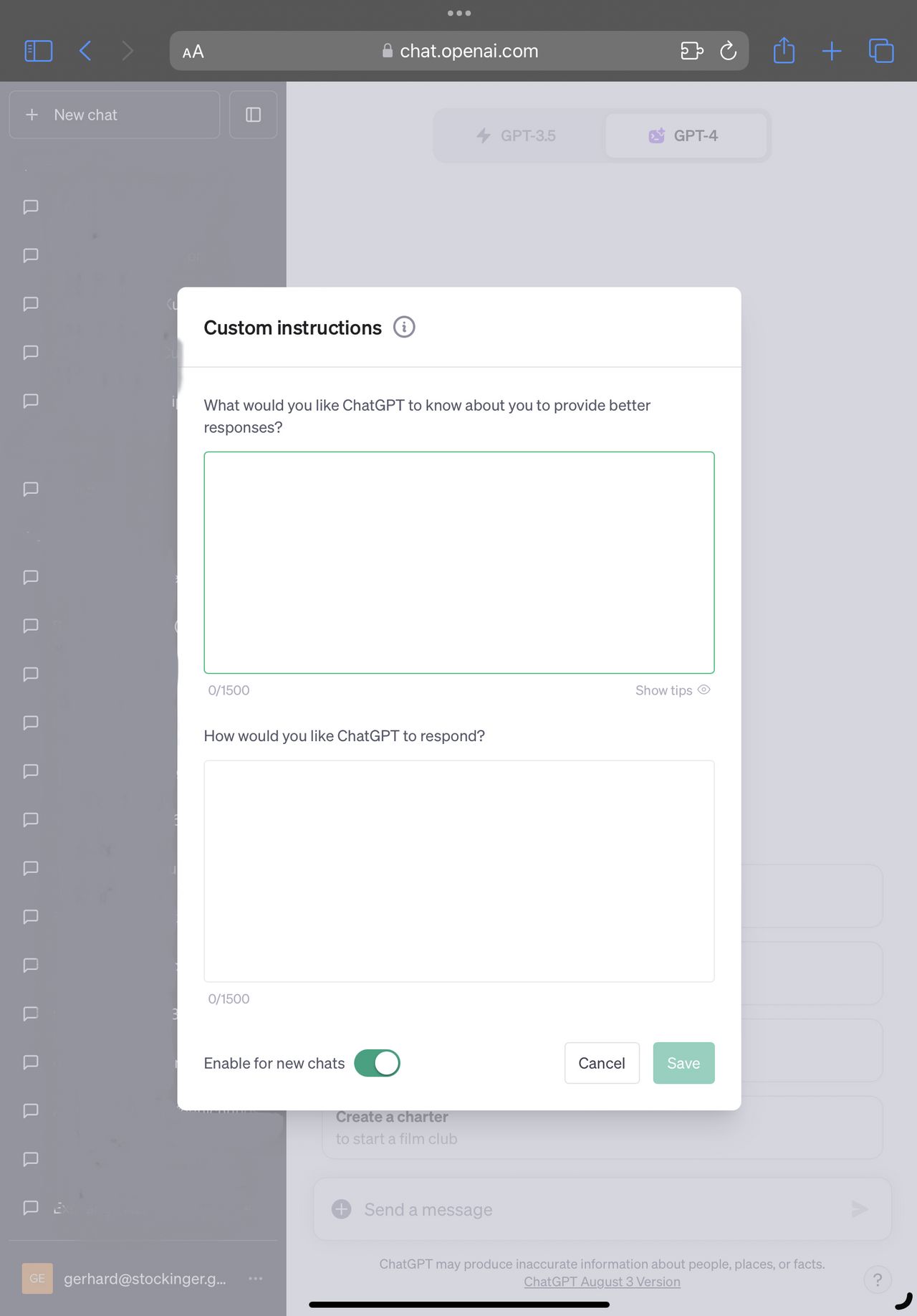
ChatGPT Custom Instructions
Data use:
- You can edit or delete custom instructions at any time.
- Your instructions are not shared with link-sharers.
- If you use third-party plugins, these developers might get relevant information from your instructions. Use only trusted plugins.
- Information from the use of your instructions is used to improve model performance.
Enable:
- Custom instructions apply to all new chats.
- iOS & Android: Settings -> Account -> Custom Instructions -> Turn ON
- Web: Click on your name -> Custom Instructions.
Disable:
- iOS & Android: Settings -> Account -> Custom instructions -> Turn OFF
- Web: Delete and save text in chat settings.
Examples of instructions:
- How formal or casual should ChatGPT be?
- How long or short should replies be?
- How would you like to be addressed?
- Should ChatGPT have opinions on topics or remain neutral?
Frequently asked questions:
- Advantages: This feature allows you to customize ChatGPT answers according to your preferences.
- Character limit: Two questions, each answer has a limit of 1500 characters.
- Data Retention: If your OpenAI account is deleted, your custom instructions will also be deleted within 30 days.
- Instruction changes: If changes are made, you will need to start a new chat to see the changes.
- Plugins: custom instructions should also affect the output of plugins.
- API: There is no API for custom instructions; system messages should be used for similar effects.