
How is it going?
- Open https://messages.google.com/web in the browser.
- Open the Message app on the Android smartphone
- Open the submenu at the top right (3 dots) and select Messages Web
- Scan the QR code from the computer
- and type SMS on the PC in the browser.
Further help is available at the following link:
https://support.google.com/messages/answer/7611075
New feature of the Message (SMS) app
Android users with the new Message app get a new feature.
SMS messages can also be typed on the PC.
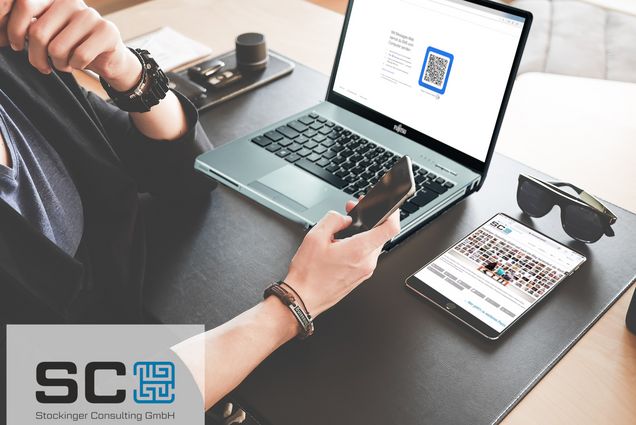
Typing SMS messages on the PC
ERROR: Content Element with uid "297" and type "gridelements_pi1" has no rendering definition!